Problem to solve
I attempted to find documentation or an existing forum post about this, but did not see one. Apologies if I simply missed it.
I have a self-hosted GitLab instance with the free-tier license. I understand that it does not come with Duo licensing. I do not have a use case for Duo.
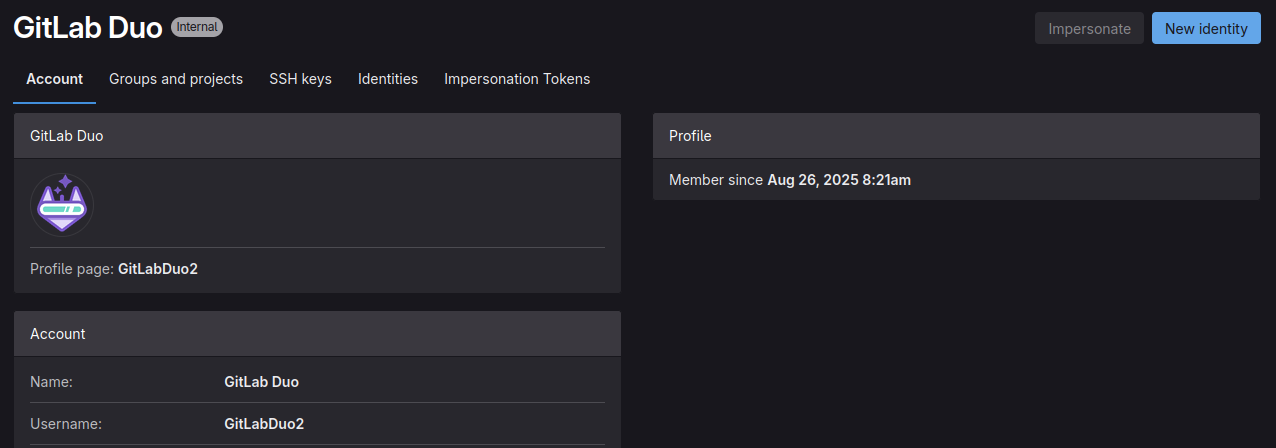
I have tried to remove the Duo account in my instance, and have been briefly successful. However, the account gets automatically recreated.
How do I permanently remove this account?
Steps to reproduce
- Documentation explains how to disable Duo features in higher tiers of licensing, but these configurations do not exist at the free license tier level.
- Removed account directly in the psql database (I understand that this is not recommended and performed at my own risk)
- Account was recreated automatically
Configuration

Versions
- Self-managed 18.3