Problem to solve
I have used the instructions at
https://docs.gitlab.com/ee/user/project/repository/reducing_the_repo_size_using_git.html
to successfully shrink a number of repositories on my self-managed system recently.
Now I have shrunk a repo from about 1gb to ~2mb (someone uploaded lots of binary artifacts) and saved the commit-map files after each git filter-repo run. I pushed the changes to gitlab per the instructions (same as with the other repos that worked), and waited 30 minutes (documented). Now I have uploaded the first commit-map. It has been running for hours now with neither a success nor a failure email. The other repos were completed in a matter of minutes.
Is there any area in the admin or log files I can search for the progress or failures? Or is there a CLI command to achieve the same thing?
My repository clone is small and fast now, that was most important, but the “repository size” is kind of an eyesore:
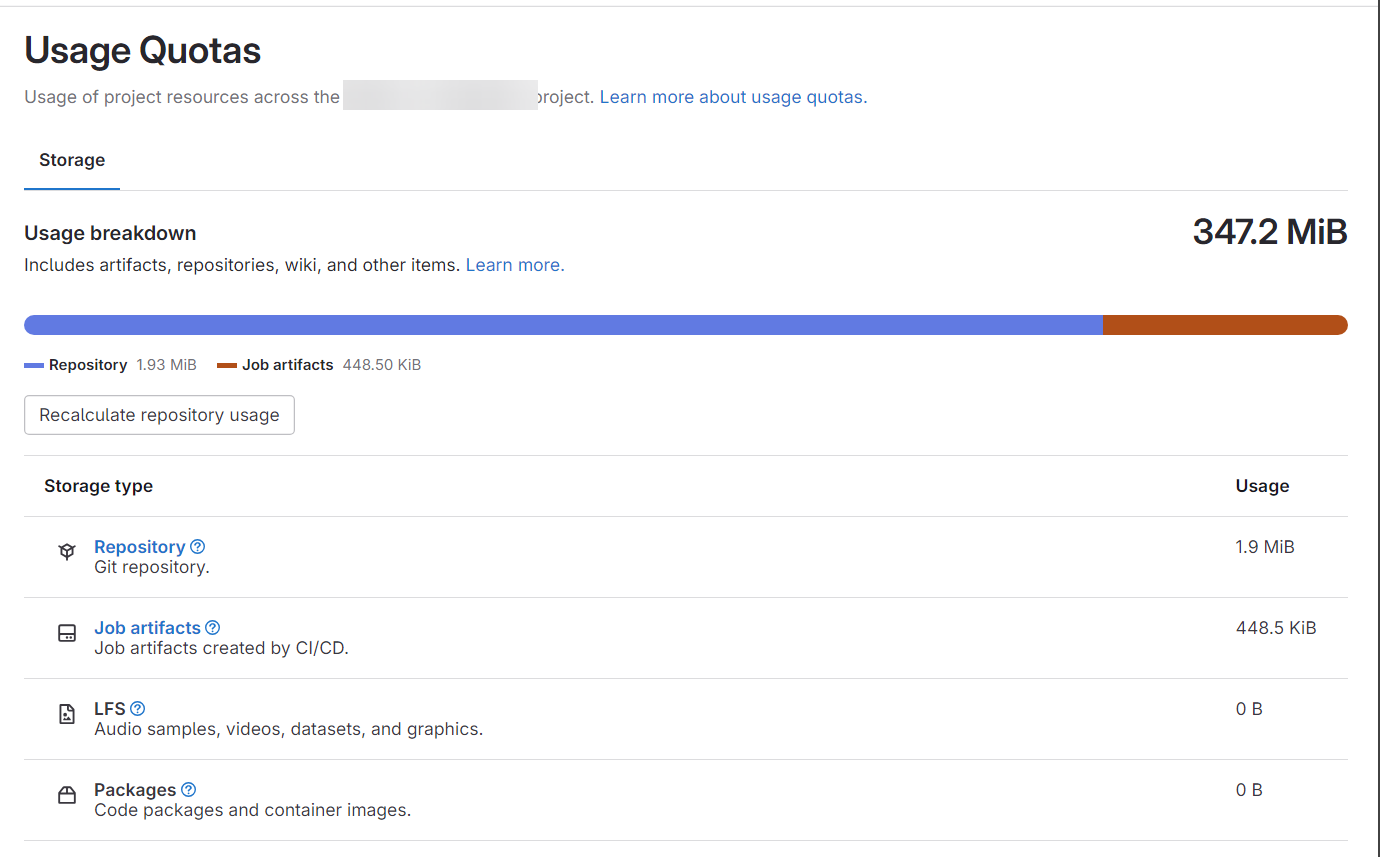
Thanks for any tips on analyzing and resolving this.
Versions
Please select whether options apply, and add the version information.
17.3 omnibus
- Self-managed
- GitLab.com SaaS